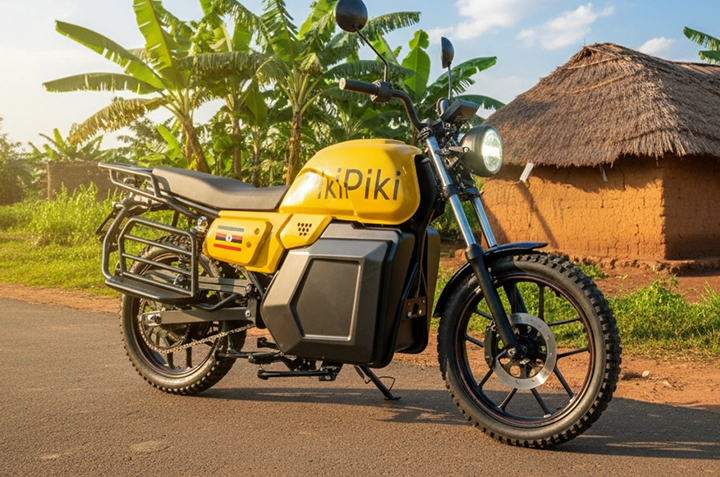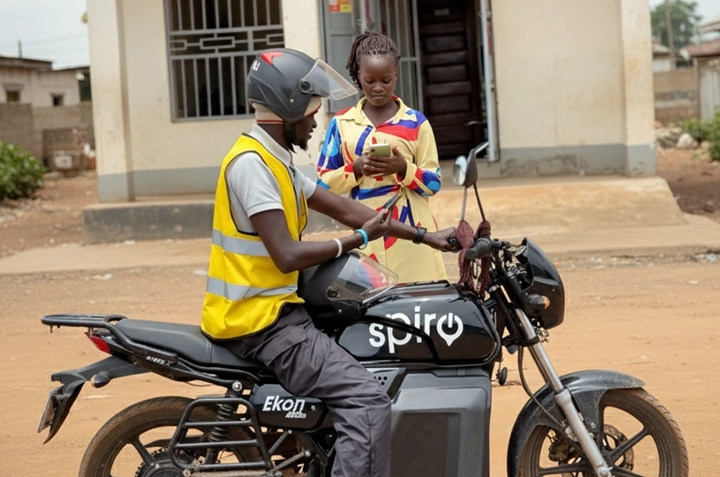
Forget flagging down a boda on the street! Ordering a boda boda in Gulu has never been easier thanks to the PikiPiki app. This guide walks you through the simple steps to get a safe and reliable ride, right from your phone.
Why Use PikiPiki Instead of Street Bodas in Gulu?
We all know the drill. Standing near Gulu Main Market, desperately trying to haggle a fair price. Or worse, late at night near Layibi, wondering if the boda you’re getting into is safe. PikiPiki solves these problems.
PikiPiki offers transparent pricing, verified drivers, and ride tracking. No more guessing games or stressful negotiations. Just a safe and convenient ride.
| Feature | PikiPiki | Street Boda |
| Driver Verification | Yes | No |
| Price Transparency | Yes (Set Fare) | No (Negotiated) |
| Ride Tracking | Yes | No |
| Payment Options | Mobile Money, Cash | Cash Only |
| Safety Features | SOS Button, Ride History | None |
How to Order a PikiPiki in Gulu: A Step-by-Step Guide
Step 1: Download and Install the PikiPiki App
First things first, head to the Google Play Store (if you’re on Android) or the App Store (if you’re on iPhone). Search for “PikiPiki Uganda” and download the app.
The app is lightweight and downloads quickly, even with a slower internet connection. Perfect for Gulu!
Step 2: Create Your Account
Open the app and follow the prompts to create your account. You’ll need to provide your phone number and verify it with an SMS code.
Make sure to use a valid Ugandan phone number! This is how PikiPiki will contact you and how your driver will reach you.
Step 3: Set Your Pickup and Drop-off Locations
This is where the magic happens. Use the map to pinpoint your exact location. You can also type in the address if you know it. For example, you might be at Lacor Hospital and need to go to Pece Stadium.
Then, enter your destination. Maybe you’re heading to Gulu University or back home in Bardege. Double-check that the locations are correct!
Step 4: Choose Your Payment Method
PikiPiki offers both mobile money and cash payment options. Select the one that works best for you. Mobile money is super convenient and saves you the hassle of finding change.
If you choose mobile money, make sure your account has sufficient funds before confirming your ride.
Step 5: Confirm Your Ride and Wait for Your Driver
Review your ride details, including the estimated fare. Once you’re happy, tap “Confirm Ride.”
The app will then search for available drivers nearby. You’ll see your driver’s photo, name, and bike details. You can even track their progress on the map as they head to your location.
Give your driver a call if needed, especially if you’re in a crowded area like near Gulu Main Market.



Tips for a Smooth PikiPiki Ride in Gulu
Here are a few extra tips to ensure your PikiPiki experience is top-notch:
- Always wear a helmet. Your safety is paramount!
- Confirm the driver’s identity when they arrive.
- Share your ride details with a friend or family member.
- Rate your driver after the ride to help improve the PikiPiki experience for everyone.
How much is a boda to Gulu University?
The price of a boda to Gulu University varies depending on your starting location. However, with PikiPiki you will see a set price before you even confirm the ride, no haggling required!
Frequently Asked Questions
Is PikiPiki safe to use in Gulu?
Yes! PikiPiki verifies all drivers and tracks every ride, making it a safer option than hailing a random boda on the street.
What payment methods does PikiPiki accept?
PikiPiki accepts both mobile money (like MTN Mobile Money and Airtel Money) and cash payments.
What if my driver doesn’t show up?
You can cancel the ride within the app. You may be charged a small fee if the driver was already close to your location.
How do I contact PikiPiki customer support?
You can find contact information for PikiPiki customer support within the app’s help section.
Does PikiPiki operate 24/7 in Gulu?
PikiPiki’s operating hours may vary. Check the app for real-time availability.