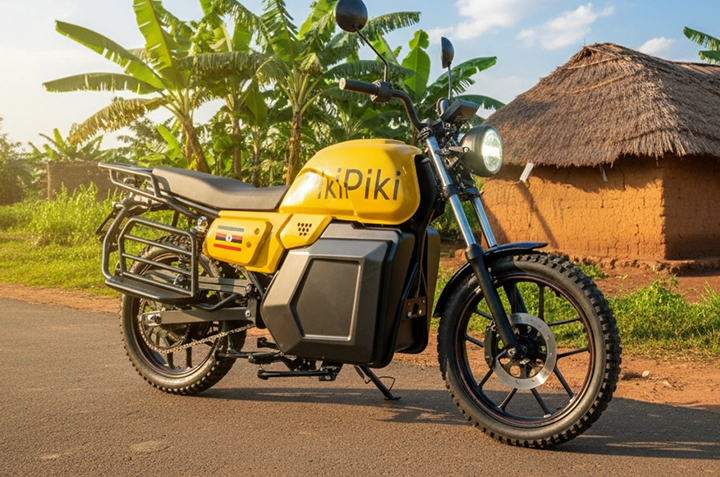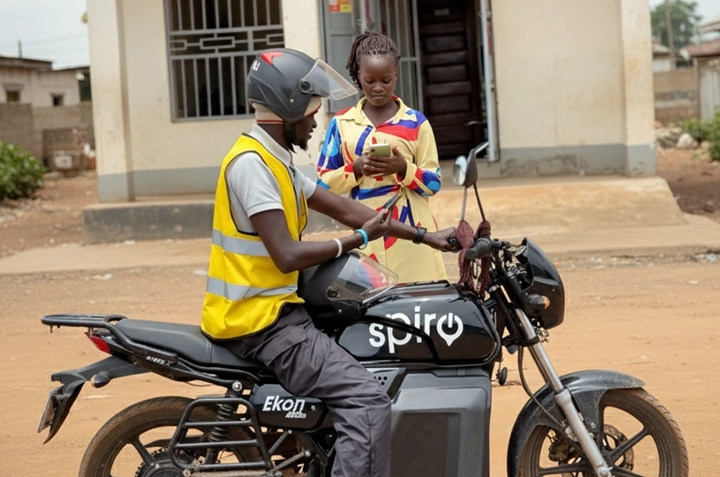
Ordering a boda in Gulu has never been easier! With the PikiPiki app, you can summon a safe and reliable ride directly to your location, skipping the stress of haggling and roadside pickups.
Why Use PikiPiki Instead of Street Hailing in Gulu?
Let’s face it, finding a trustworthy boda near Gulu Main Market or around Layibi can be a gamble. PikiPiki offers a safer, more transparent alternative.
Imagine you’re leaving Lacor Hospital late at night. Do you really want to flag down a random boda? PikiPiki gives you peace of mind.
| Feature | PikiPiki | Street Boda |
| Safety | Driver verification, ride tracking | Unknown |
| Price | Fixed, transparent pricing | Negotiable, often inflated |
| Convenience | Order from your phone | Requires roadside hailing |
| Payment | Mobile Money or Cash | Cash only |
How to Order a PikiPiki Boda: A Step-by-Step Guide
Step 1: Download the PikiPiki App
First things first, head to the Google Play Store (for Android) or the App Store (for iPhone) and search for \”PikiPiki Uganda.\” Download and install the app.
Step 2: Create Your Account
Open the app and follow the prompts to create your account. You’ll need to provide your phone number. Make sure to use a valid Ugandan number!
You’ll receive an SMS verification code to confirm your number. Enter the code to proceed.
Step 3: Set Your Pickup and Drop-off Locations
On the app’s main screen, you’ll see a map. Use the search bar to enter your current location (or let the app use your GPS). Then, enter your desired destination – maybe Gulu University or Pece Stadium.
Step 4: Confirm Your Ride and Payment Method
The app will show you the estimated fare for your journey. You can choose to pay with Mobile Money (like MTN Mobile Money or Airtel Money) or with cash.
Select your preferred payment method and tap \”Confirm Ride.\”
Step 5: Meet Your Driver
The app will show you the driver’s name, photo, and boda registration number. You can also track their location on the map as they approach.
Make sure the driver matches the information on the app before you hop on. Safety first!
Step 6: Enjoy Your Ride!
Relax and enjoy your ride. PikiPiki tracks the journey, so your safety is monitored throughout.
Step 7: Rate Your Driver
After your ride, you can rate your driver and leave a comment. This helps PikiPiki maintain quality and safety standards for everyone in Gulu.
Tips for a Smooth PikiPiki Experience in Gulu
- Be clear about your pickup location. Provide specific details to the driver.
- Have your Mobile Money ready or the correct cash amount.
- Wear a helmet! Your safety is paramount.
- Report any issues to PikiPiki support immediately.
How Much Does PikiPiki Cost in Gulu?
PikiPiki’s pricing is transparent and based on distance. The app will show you the fare before you confirm your ride. Short trips around Bardege might cost UGX 1,500, while longer journeys to places further from town will be more.
| Destination | Approximate PikiPiki Fare (UGX) |
| Gulu Main Market to Gulu University | 2,500 – 3,500 |
| Layibi to Lacor Hospital | 1,500 – 2,000 |
| Pece Stadium to Bardege | 1,000 – 1,500 |
Frequently Asked Questions
Is PikiPiki safe?
Yes, PikiPiki verifies its drivers and tracks all rides, offering a safer alternative to street hailing.
Can I pay with Mobile Money?
Yes, PikiPiki accepts Mobile Money (MTN and Airtel) as well as cash payments.
How do I contact PikiPiki support?
You can find contact information within the PikiPiki app or on their website.
Does PikiPiki operate 24/7 in Gulu?
While PikiPiki aims for 24/7 availability, service availability may vary depending on driver availability.
What if I have a problem with my ride?
Report any issues immediately through the app’s support channels. PikiPiki will investigate and assist you.