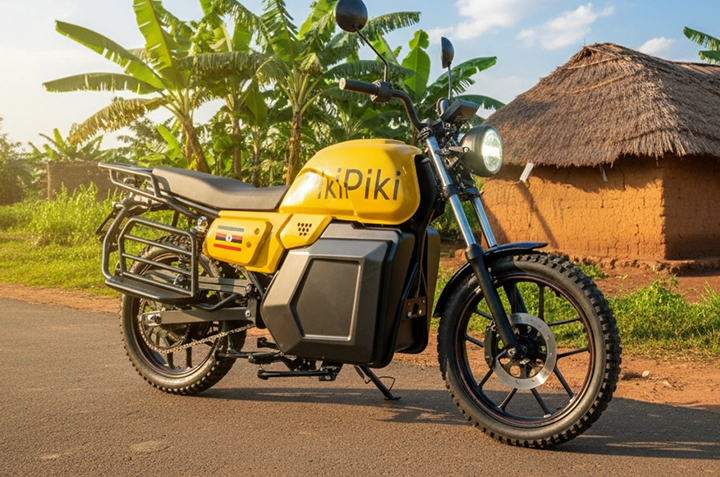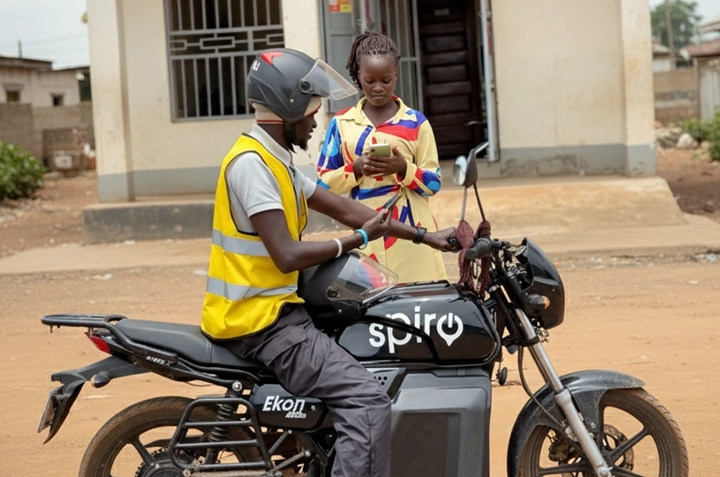
Ordering a boda boda in Gulu has never been easier! Ditch the roadside hustle and download the PikiPiki app for a safe, reliable, and convenient ride. Whether you’re heading to Gulu Main Market or Layibi, PikiPiki gets you there.
Why Choose PikiPiki Over Street Hail Bodas in Gulu?
Let’s be honest, flagging down a boda on the street in Gulu can be a gamble. You don’t know who you’re getting, and negotiating the price can be a hassle.
PikiPiki offers a safer, more transparent alternative. With driver verification, GPS tracking, and upfront pricing, you can ride with peace of mind.
| Feature | PikiPiki | Street Boda |
| Driver Verification | Yes | No |
| GPS Tracking | Yes | No |
| Upfront Pricing | Yes | Negotiated |
| Safety Features | SOS Button | None |
| Payment Options | Cash, Mobile Money | Cash |
How to Order a PikiPiki in Gulu: A Step-by-Step Guide
Step 1: Download and Install the PikiPiki App
First, head to the Google Play Store (for Android) or the App Store (for iOS) and search for \”PikiPiki Uganda\”.
Download and install the app on your smartphone. Make sure you have a stable internet connection.
Step 2: Create Your Account
Open the PikiPiki app and follow the prompts to create an account. You’ll need to provide your phone number and verify it with an OTP (One-Time Password).
You may also be asked to provide your name and email address. Make sure to use a valid phone number so the driver can contact you if needed.
Step 3: Set Your Pickup and Drop-off Locations
On the app’s main screen, you’ll see a map. Use the search bar to enter your pickup location (e.g., near Pece Stadium) and your desired destination (e.g., Gulu University).
You can also move the map around to pinpoint your exact location. Ensure the pin is accurately placed for a smooth pickup.
Step 4: Confirm Your Ride and Price
Once you’ve set your locations, the app will display the estimated fare for your ride. Review the price and tap the \”Confirm Ride\” button.
This confirms your request, and the app will start searching for available PikiPiki drivers nearby.
Step 5: Track Your Driver and Enjoy Your Ride
Once a driver accepts your request, you’ll see their photo, name, and bike details. You can also track their location on the map as they approach your pickup point.
When the driver arrives, confirm their identity before hopping on. Enjoy your safe and convenient ride to your destination!
What Payment Options Does PikiPiki Offer in Gulu?
PikiPiki understands the local context. You can pay for your rides with cash or conveniently use Mobile Money.
Mobile Money is a popular payment method in Uganda, making it easy to pay for your rides without needing physical cash.
Is PikiPiki Safe to Use Around Lacor Hospital at Night?
Yes, PikiPiki prioritizes safety, especially at night. All rides are tracked via GPS, and drivers are verified.
The app also features an SOS button that you can use to alert authorities in case of an emergency. This provides an extra layer of security, especially when travelling in areas like Bardege at night.
Frequently Asked Questions
How do I download the PikiPiki app?
Search for \”PikiPiki Uganda\” on the Google Play Store (Android) or App Store (iOS) and download the app.
Can I pay with Mobile Money?
Yes, PikiPiki accepts Mobile Money payments in addition to cash, offering a convenient way to pay for your rides.
Is PikiPiki safe to use at night?
Yes, PikiPiki is safer than street hails. All rides are tracked, and drivers are verified for your safety.
How do I report a problem with a PikiPiki ride?
Use the in-app support feature to report any issues. You can find this in the app’s menu or settings.
What if the driver asks for more money than the app quoted?
Stick to the price shown in the app. Report the driver to PikiPiki support if they insist on a higher fare.
Watch this video to learn more: https://www.youtube.com/watch?v=3iiJeK4pJ7A