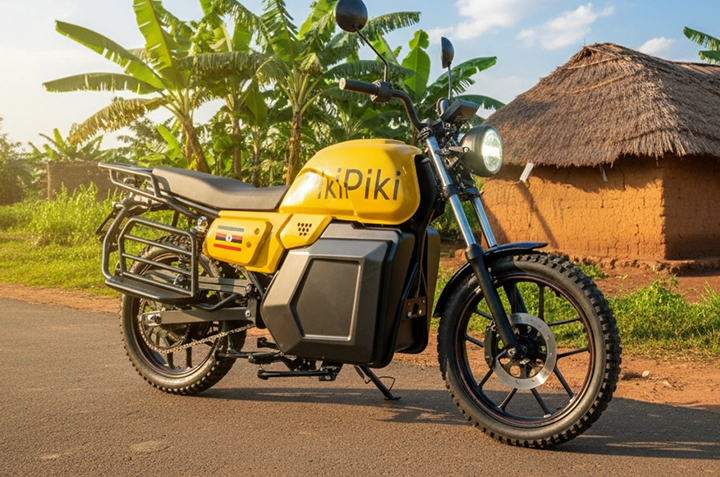
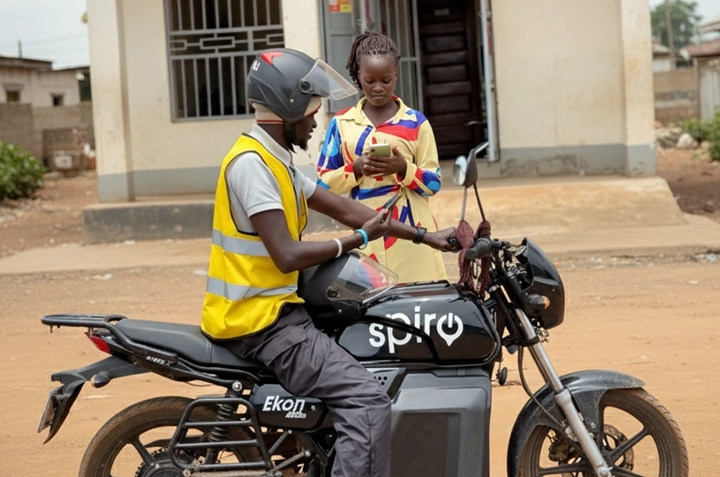
Ordering a boda in Gulu has never been easier thanks to the PikiPiki app. Forget the roadside hustle; now you can request a ride right from your phone, know your fare upfront, and track your driver in real-time.
Why Use PikiPiki Instead of Street Bodas in Gulu?
Let’s be real, hailing a boda near Gulu Main Market can be chaotic. You’re often left haggling over the price, and you don’t really know who you’re getting on with. PikiPiki offers a safer, more transparent alternative.
Imagine you’re leaving Lacor Hospital late at night. Would you rather trust a random boda or a verified PikiPiki driver whose ride is tracked? The choice is clear.
What are the Benefits of Using PikiPiki?- Safety: Verified drivers and ride tracking.
- Convenience: Order from anywhere with your phone.
- Transparency: Know the fare upfront.
- Reliability: Less waiting time compared to finding a boda on the street.
| Feature | PikiPiki | Street Boda |
| Driver Verification | Yes | No |
| Price Transparency | Yes | No (Negotiable) |
| Ride Tracking | Yes | No |
| Payment Options | Mobile Money, Cash | Cash Only |
| Availability | 24/7 (Depending on driver availability) | Varies |
It’s super easy to get started with PikiPiki. Here’s how:
Step 1: Download and Install the AppHead to the Google Play Store or Apple App Store and search for “PikiPiki Uganda”. Download and install the app on your smartphone.
Step 2: Create Your AccountOpen the app and follow the prompts to create your account. You’ll need to provide your phone number (make sure it’s active for verification) and a password.
Step 3: Set Your Pickup and Drop-off LocationsUse the map interface to set your pickup location. You can either manually select it or use the GPS to pinpoint your current location. Then, enter your desired destination – maybe you’re heading from Layibi to Gulu University.
Step 4: Confirm Your Ride and Wait for a DriverThe app will show you the estimated fare. If you’re happy with it, confirm your ride request. The app will then search for available drivers nearby.
You’ll see the driver’s profile, their bike details, and their estimated arrival time. You can even track their progress on the map!
Step 5: Enjoy Your Ride and PayOnce the driver arrives, confirm it’s the correct one and hop on. Enjoy your ride! Upon reaching your destination, you can pay with mobile money or cash, depending on what the driver is accepting.



- Double-check your pickup location to avoid confusion.
- Have your mobile money ready for a faster payment.
- Rate your driver after the ride to help improve the service.
- If you’re going to Pece Stadium for a football match, expect higher demand (and potentially slightly higher prices) around game times. Order in advance!
- Always wear a helmet, even if it’s just a short ride. Safety first!
PikiPiki is expanding its coverage across Gulu. While it might not be available in every single corner of the city just yet, it covers most of the populated areas, including Bardege and areas around Gulu Main Market. Check the app to see availability in your specific location.
So, ditch the roadside hassle and embrace the convenience of PikiPiki! Download the app today and experience a safer, more reliable way to get around Gulu.
Frequently Asked Questions How much does a PikiPiki ride cost? The fare depends on the distance and demand. The app will show you the estimated fare before you confirm your ride. Is PikiPiki safe to use in Gulu? Yes, PikiPiki verifies its drivers and tracks every ride, making it a safer option than hailing a random boda on the street. Can I pay with mobile money? Yes, you can pay with mobile money or cash, depending on what the driver accepts. Confirm their accepted payment methods before starting your ride. What if I have a problem with my ride? You can contact PikiPiki customer support through the app for assistance with any issues you may encounter. How do I become a PikiPiki driver? You can download the PikiPiki Driver app and follow the application process. You’ll need a valid driving license and a road-worthy motorcycle.