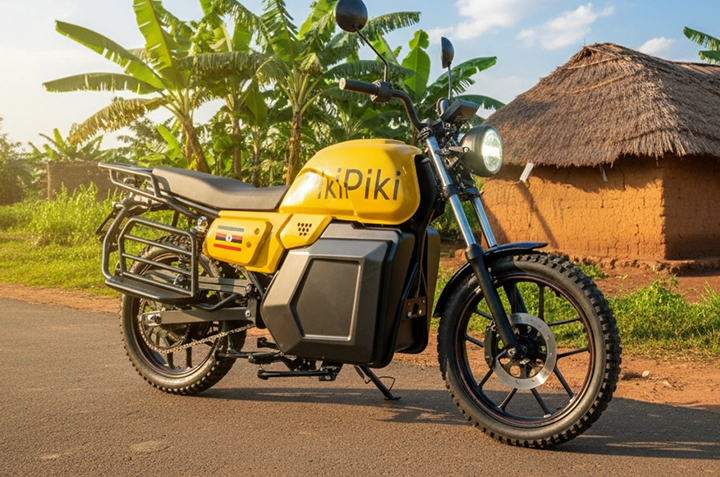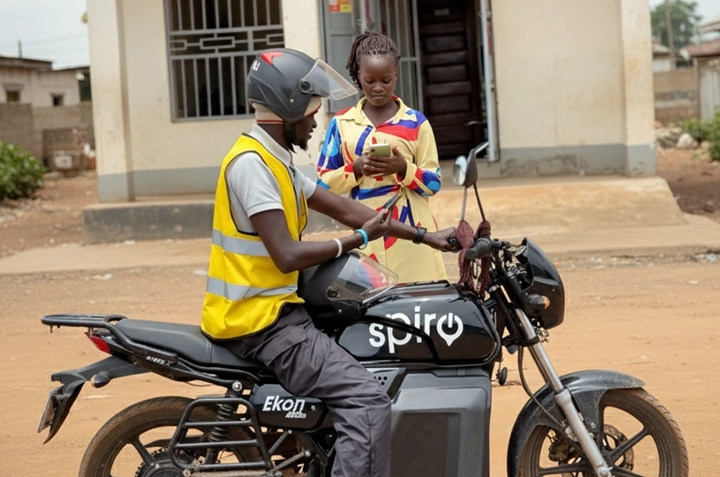
Ready to ditch the traffic jams and experience a faster, more convenient way to get around Uganda? Pikipiki, the ride-hailing app for boda bodas, is here to change the game. This guide will walk you through everything you need to know to start using Pikipiki today. Think of it as your personal boda boda guru!
Before we dive in, check out this video for a quick visual overview:
What is Pikipiki and Why Use It?
Pikipiki is a mobile app that connects you with nearby boda boda drivers. Instead of hailing a boda off the street, you can use the app to book a ride, see the fare upfront, and track your driver’s location. It’s like Uber, but for bodas!
Here’s why Ugandans are choosing Pikipiki:
- Convenience: Book a boda from anywhere, anytime. No more waiting on the side of the road.
- Safety: Pikipiki drivers are vetted and tracked, making your ride safer.
- Transparent Pricing: Know the fare before you ride. No surprises!
- Easy Payment: Pay with mobile money – MTN Mobile Money or Airtel Money, no need for cash.
- Reliability: Find available drivers even during peak hours.
Step-by-Step Guide to Using Pikipiki
Step 1: Download and Install the App
The first step is to download the Pikipiki app from the Google Play Store (for Android phones) or the Apple App Store (for iPhones). Just search for “Pikipiki Ride-Hailing” and look for the official app. It’s a free download!
Once downloaded, tap the install button and wait for the app to finish installing on your phone. Make sure you have a stable internet connection (mobile data or Wi-Fi) for a smooth installation.
Step 2: Create an Account
After installation, open the Pikipiki app. You’ll be prompted to create an account. You can usually sign up using your phone number or your Google account. If you use your phone number, you’ll receive an SMS with a verification code. Enter the code to verify your account.
You’ll also need to provide your name and email address. Make sure to use a valid email address, as Pikipiki may send important updates and notifications to your email.
Step 3: Set Your Pickup and Drop-off Locations
Now that you have an account, you can start booking rides. The app will ask for your current location. Make sure your phone’s location services are turned on so Pikipiki can accurately pinpoint your pickup location.
Next, enter your destination. You can type in the address or select it from the map. For example, you might type “Makerere University Main Gate” or “Oasis Mall, Kampala”.
Step 4: Confirm Your Ride and Fare
Once you’ve entered your pickup and drop-off locations, Pikipiki will display the estimated fare for your ride. This is the amount you’ll pay for the journey. Take a moment to review the fare before confirming your ride.
You’ll also see a list of available boda boda drivers nearby. Tap the “Confirm Ride” button to request a boda. The app will then notify nearby drivers of your request.
Step 5: Track Your Driver and Enjoy Your Ride
After a driver accepts your request, you’ll be able to see their location on the map in real-time. You’ll also see the driver’s name, photo, and boda boda registration number.
When the driver arrives, confirm that the registration number matches what’s displayed in the app. Put on your helmet (safety first!) and enjoy your ride!
Step 6: Pay with Mobile Money
Once you reach your destination, the driver will end the ride in the app. You’ll then be prompted to pay. Pikipiki integrates seamlessly with mobile money services like MTN Mobile Money and Airtel Money.
Select your preferred mobile money provider and follow the on-screen instructions to complete the payment. You’ll typically need to enter your mobile money PIN to authorize the transaction. Always double-check the amount before confirming!
After a successful payment, you’ll receive a confirmation message from your mobile money provider and Pikipiki.
Tips for a Smooth Pikipiki Experience
- Always wear a helmet: Your safety is paramount. Pikipiki drivers should provide helmets, but it’s always good to be prepared.
- Confirm the driver’s identity: Before getting on the boda, double-check the driver’s name and boda registration number against the app.
- Communicate clearly: If you have specific directions or preferences, communicate them clearly to the driver.
- Rate your driver: After each ride, rate your driver to help improve the Pikipiki service.
- Contact support if needed: If you encounter any issues, contact Pikipiki’s customer support through the app.
Pikipiki: Your Ride Awaits!
Pikipiki is revolutionizing the way Ugandans get around. With its convenience, safety features, and easy mobile money payments, it’s the perfect solution for navigating the bustling streets of Kampala and beyond.
So, what are you waiting for? Download the Pikipiki app today and experience the future of boda boda transportation! Click here to download on the Google Play Store or the Apple App Store. Start riding smarter, safer, and faster with Pikipiki!